How to Get Customers to Buy from Your Myshoplet Website (Without Stressing in DMs)
Stop wasting hours calculating delivery fees and waiting for bank alerts. Here is a practical, step-by-step marketing guide to turn social media followers into paying customers on your website.
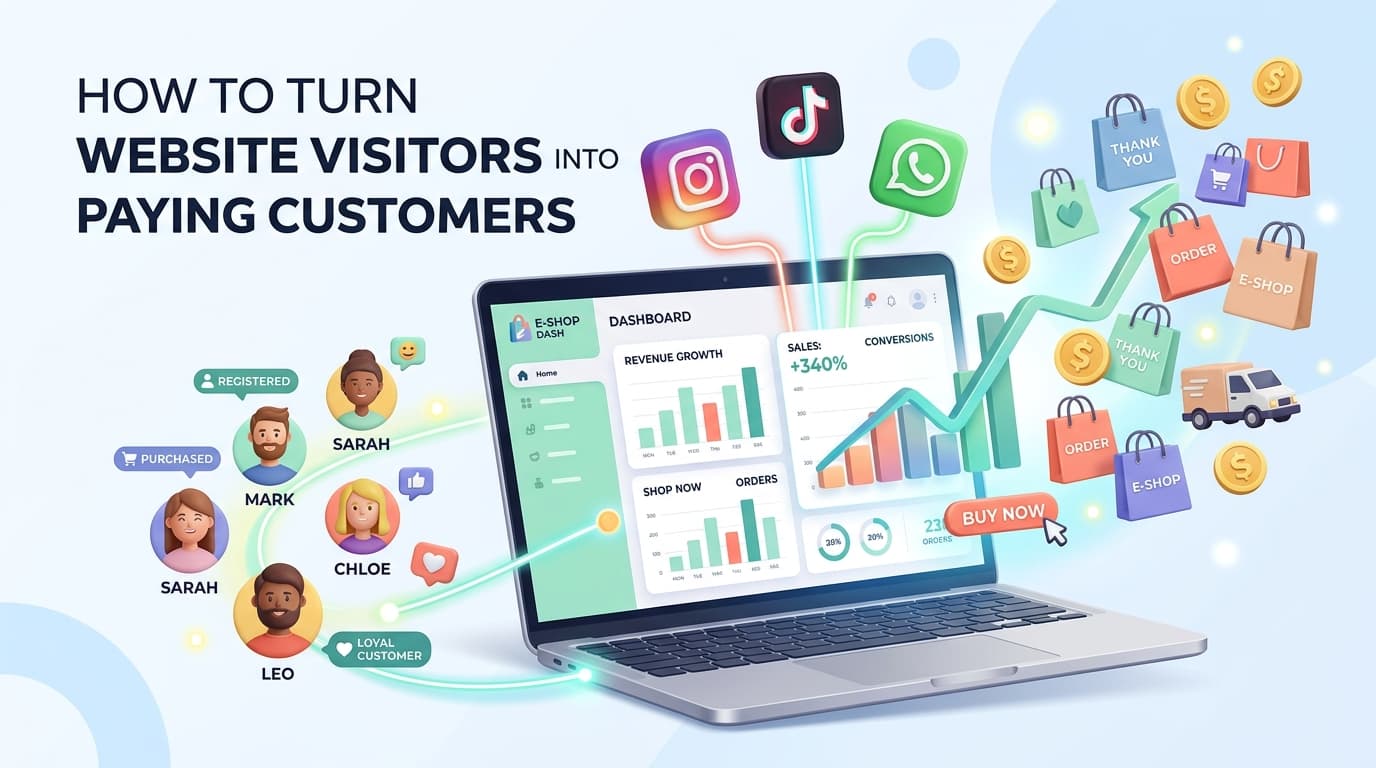
If you sell products online, does this sound familiar?
You post a beautiful picture of your new stock on Instagram or WhatsApp. Soon, the messages start pouring in: - "How much?" - "Is this available in size 42?" - "Send me your account number."
You spend the next 20 minutes replying, explaining delivery fees, waiting for payment screenshots, and confirming bank alerts. And after all that back-and-forth... half of them disappear and leave you on Seen.
Worse still, someone wants to buy from you at 11:30 PM while you are fast asleep. Because nobody is awake to answer their DM, they close their phone and buy from someone else the next morning.
This is why you have your Myshoplet website (yourbrand.myshoplet.com).
Your Myshoplet website is your 24/7 automated sales assistant. It displays your items, calculates delivery fees, collects payment, and sends receipts — even when you are sleeping, in church, or stuck in traffic.
But having a link isn't enough if nobody is clicking it. Here is a simple, practical guide any vendor can follow to start getting daily orders straight from their Myshoplet store.
Step 1: Put Your Myshoplet Link Where Everyone Can See It
If customers have to look hard to find your website link, they will not bother. Your social media bio should point straight to your shop.
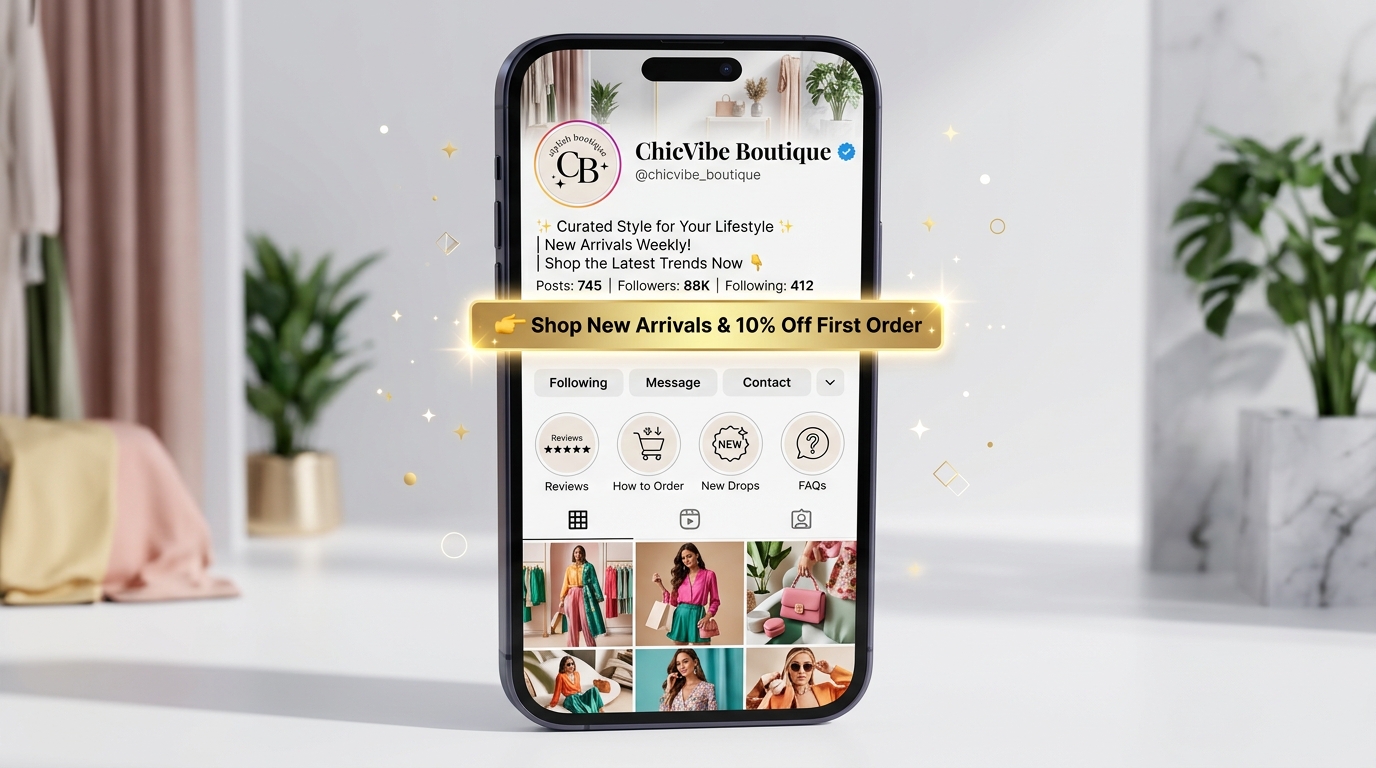
Fix your Instagram and TikTok bio in 3 minutes: - What you sell: e.g. "Quality men's sneakers & everyday footwear" - Why they should trust you: e.g. "Over 2,000+ orders delivered safely across Nigeria" - A small treat to click: e.g. "Get 5% off your first website order with code: HELLO5" - The direct link: yourbrand.myshoplet.com
Pro Tip: Add a "How to Order" Instagram Highlight. Record a 30-second screen video of yourself checking out on your own Myshoplet link. Save it to your Instagram Highlights as How to Order. When new customers see how fast and easy it is, their hesitation disappears.
Step 2: Stop Posting Only Plain Photos — Show Real Life Videos
People scroll past plain product pictures all day. Videos get 5x more views and build instant trust. You don't need fancy studio gear — your phone camera in daylight by a window is perfect.
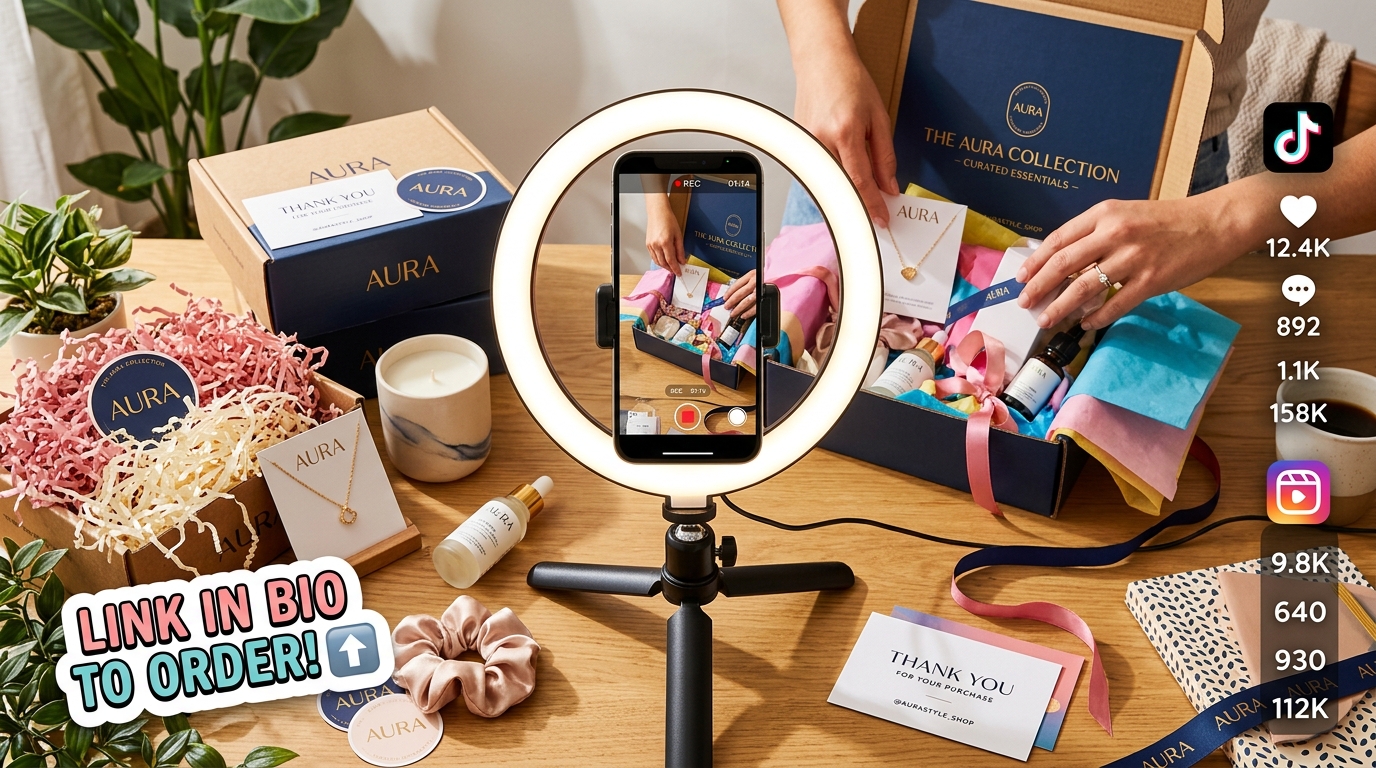
Here are 3 simple video formats every vendor should post every week: - "Pack an Order With Me": Record yourself packing a customer's package into your branded bag. When viewers see real people buying from your store, they feel confident to order too. - The "Real Life" Demo: Hold the item, unzip the bag, test the shoe cushion, or try it on. It removes the fear of "what I ordered vs what I got". - Restock Countdown: Show cartons arriving at your shop or house and announce: "Just uploaded all 8 colors to the website! Order directly through the link in bio for same-day dispatch."
Golden Rule: Never finish a video with just "Let me know your thoughts." Always say: "Available right now on our website — tap the link in bio to order before sizes sell out!"
Step 3: When They Ask "How Much?" in DMs, Send a Direct Link
This is the biggest mistake vendors make: when someone asks for a price in DMs, the vendor sends a wall of text: - "It is ₦15,000. Delivery to Ikeja is ₦2,500. Island is ₦3,500. Pay into Zenith Bank 1029384849, send proof of payment and your address."
By the time the customer finishes reading that wall of text, the excitement is gone.
Instead, copy the exact link of that specific product from your Myshoplet dashboard and reply nicely:
*"Hello dear! It's ₦15,000 and we have sizes 38 to 44 in stock right now. You can pick your color and order directly here in 1 minute: yourbrand.myshoplet.com. We dispatch tomorrow morning!"*
Why this works: - They don't have to wait for you to calculate delivery fees — Myshoplet does it for them automatically. - They can pay instantly with their card, USSD, or direct bank transfer with automatic verification. - Myshoplet automatically generates a neat invoice and sends them an instant confirmation.
Step 4: Use Instagram Stories with the "Link Sticker"
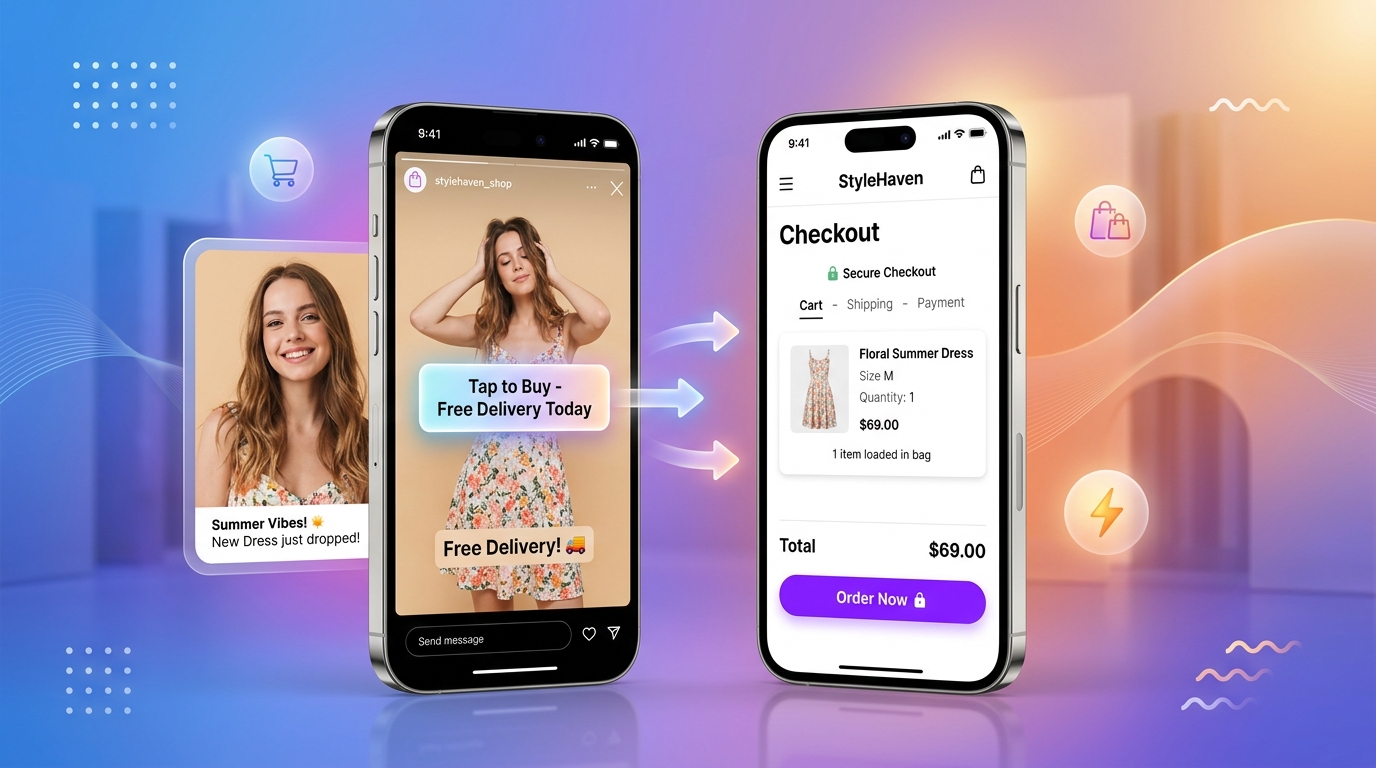
Instagram gives you a free Link Sticker tool on stories that lets anyone tap directly to your website. Use this 3-slide sequence: - Slide 1 (Interactive Poll): Ask something relatable: "Be honest... is your shoe rack ready for this weekend's events? (Yes / Not yet!)" - Slide 2 (Video Demo): A 5-second video wearing the item or holding it in natural sunlight. - Slide 3 (Link Sticker): Put the link sticker leading directly to that product on your Myshoplet store. Customize the sticker text to say: "Tap to Order Yours (Only 4 Left)" or "Shop with Free Gift Today".
Step 5: Turn Your WhatsApp into an Order-Taking Machine
Almost all your customers check WhatsApp throughout the day. It has a 90%+ open rate.
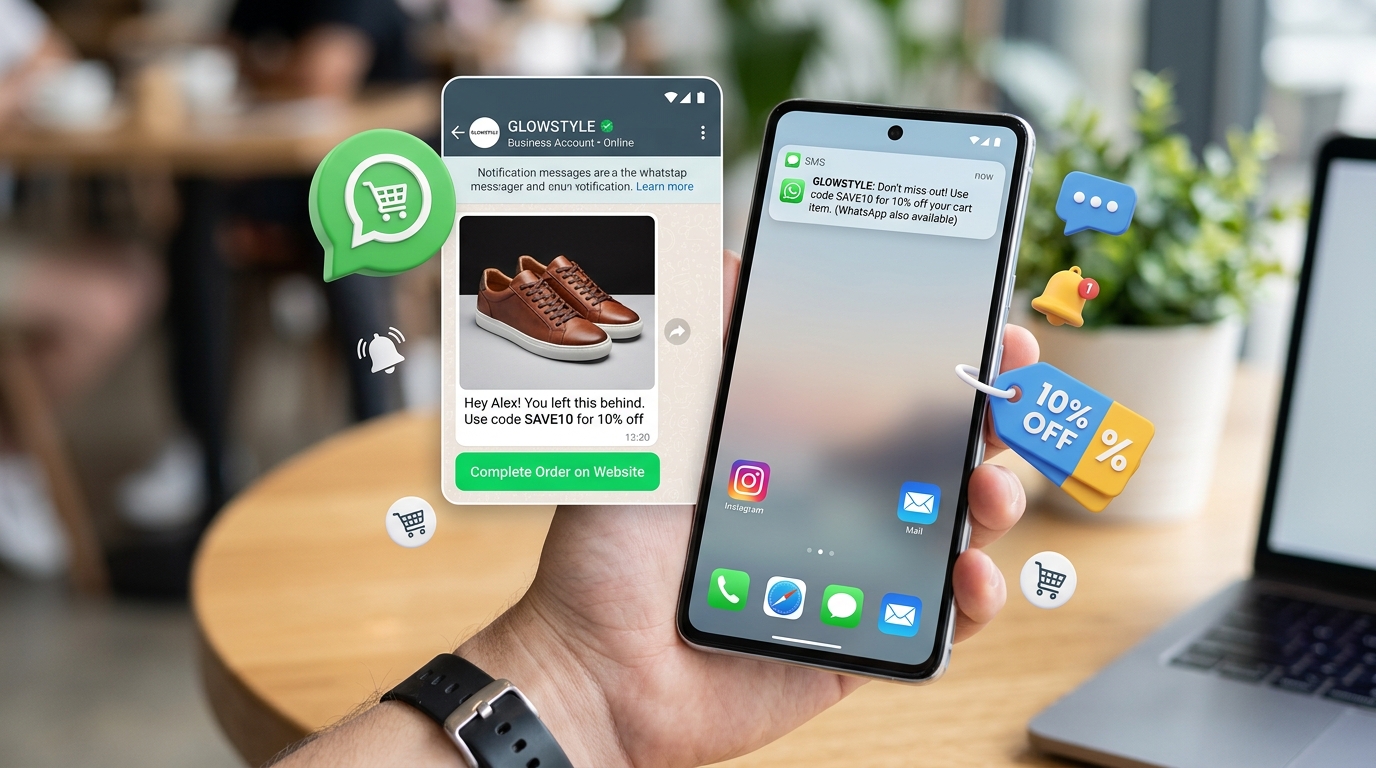
First, stop posting 50 photos on WhatsApp Status at once. Nobody wants to tap through 50 dotted lines of random photos. Post 4 to 6 good pictures or short videos maximum. On the last slide, write: *"View all new arrivals & order directly on our store here: yourbrand.myshoplet.com"*.
Second, follow up on abandoned carts. With Myshoplet, you can see shoppers who added items to their cart but did not complete payment. Send them a polite WhatsApp message:
*"Hey Amina! Noticed you were checking out our Luxe Linen Jacket earlier. Did you have any questions about sizing or delivery? Here is the link to complete your order whenever you're ready: yourbrand.myshoplet.com. Let me know if you need help!"*
Many customers will reply: "Oh thank you! My network dropped earlier," and proceed to complete payment right away.
Step 6: Make Your Myshoplet Website Look Clean & Trustworthy
When a first-time customer taps your link, they need to feel 100% confident that their money is safe with you:
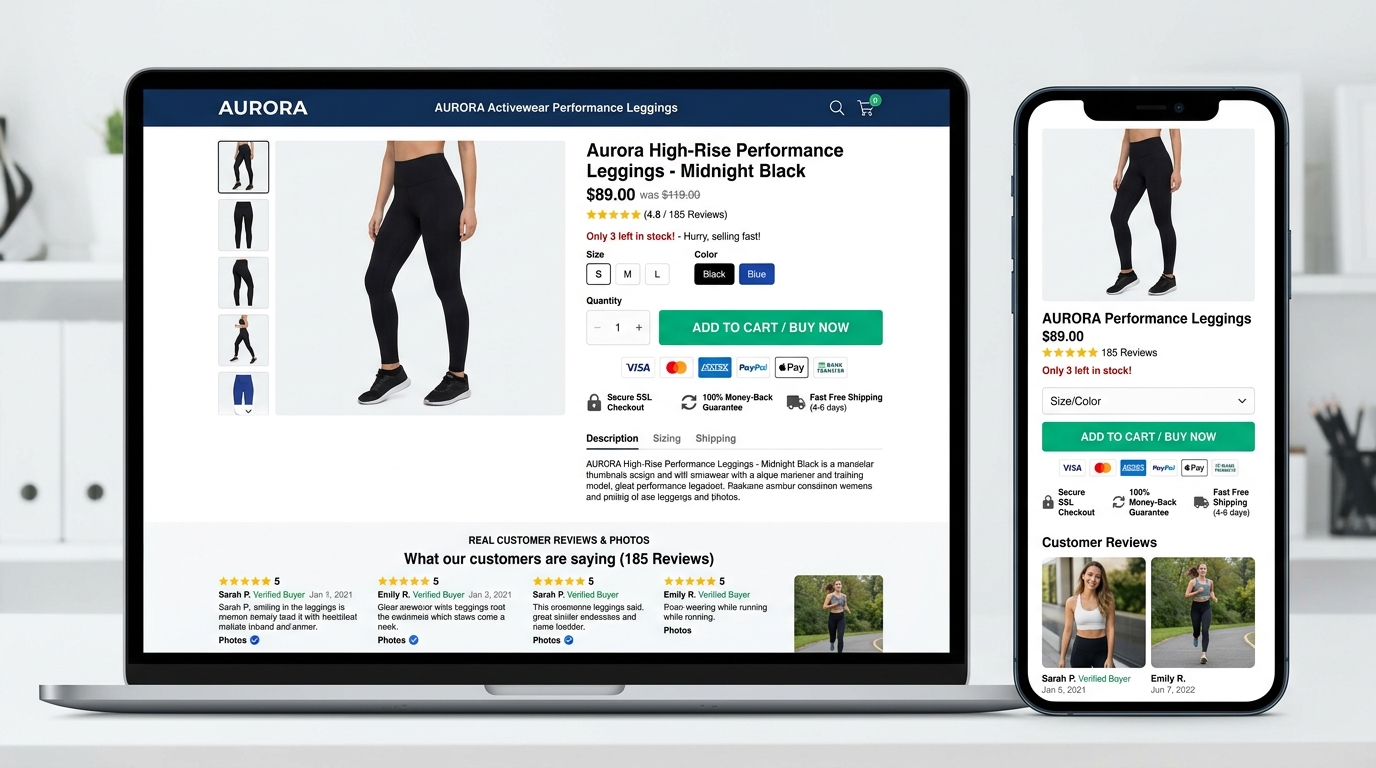
- •Clear Product Photos: Take pictures from different angles. Show someone wearing or holding the product.
- •Accurate Sizing & Details: Mention the fabric, dimensions, or exact fit (e.g. "True to size" or "If you wear 40, pick size 41").
- •Customer Reviews: Ask previous happy customers for reviews and upload their feedback or pictures on your store.
- •Clear Delivery Information: State how many days delivery takes in your city and nationwide so there are no surprises.
Your 3-Day Action Checklist
Start with these steps this week: - Day 1: Update your Instagram & TikTok bio with your clean yourbrand.myshoplet.com link and add a "How to Order" highlight. - Day 2: Film 1 quick "Pack an Order With Me" or product demo video. Post it with "Link in bio to order". - Day 3: Every time someone asks "How much?" in DMs, send your Myshoplet direct checkout link instead of your account number! - Weekend: Post a 3-slide story with an interactive poll and a Link Sticker leading directly to your bestselling item.
Victor Dickson
Founder, Myshoplet · Lagos, Nigeria
Victor built Myshoplet after watching Nigerian sellers lose orders managing WhatsApp manually. He writes about practical e-commerce, AI sales automation, and growing a business in Nigeria.
Ready to try it?
Create your free Myshoplet store in 10 minutes. No credit card needed.
Create free store →